those hda's were built for a purpose - once fulfilled i stop working on them... - you have been warned.
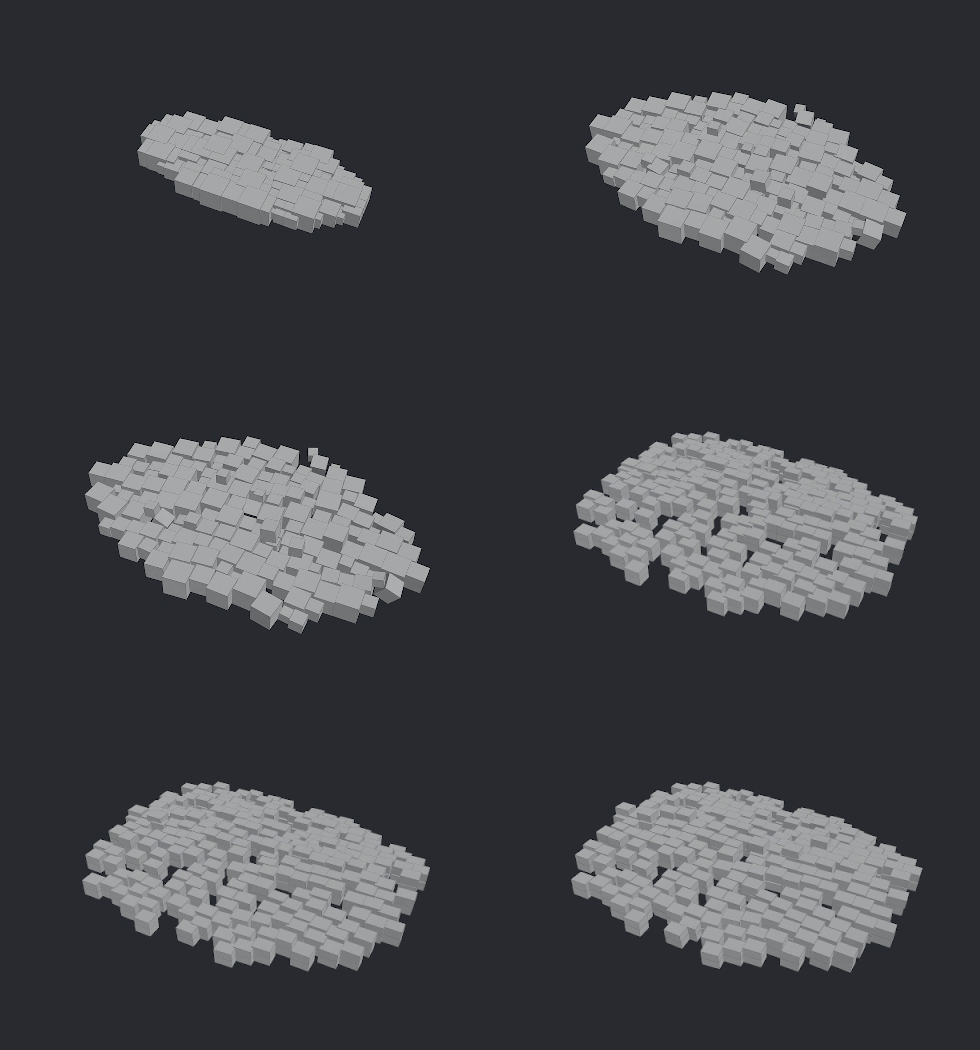
detangle intersecting
- bullet solver deintersect hda
- used it quite allot so i packaged it up, but basically its just setting found_overlap on your packed geometry
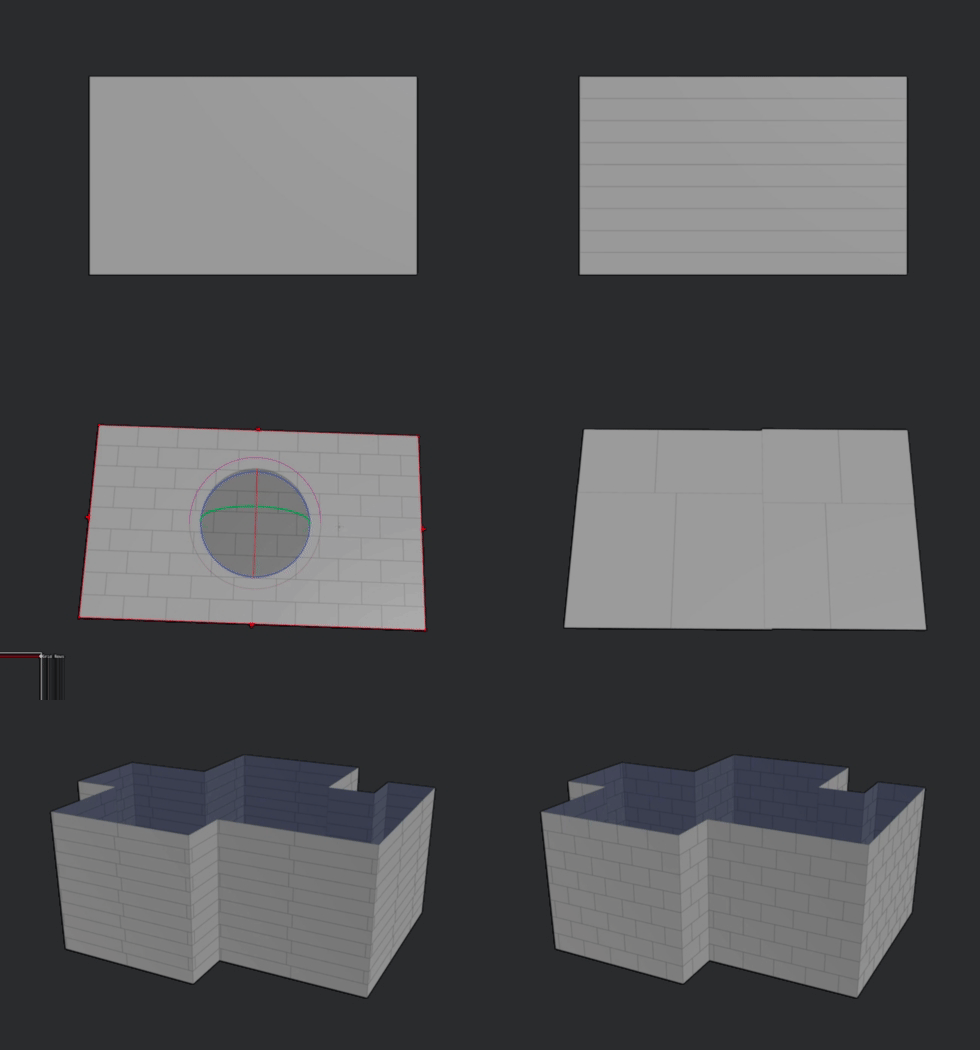
bricker
- cutter tool that aligns itself to the longest edge of a poly. useful for brick walls, rooftops, upres messy topology etc.
- cut rows and or columns, group every second row
window hda
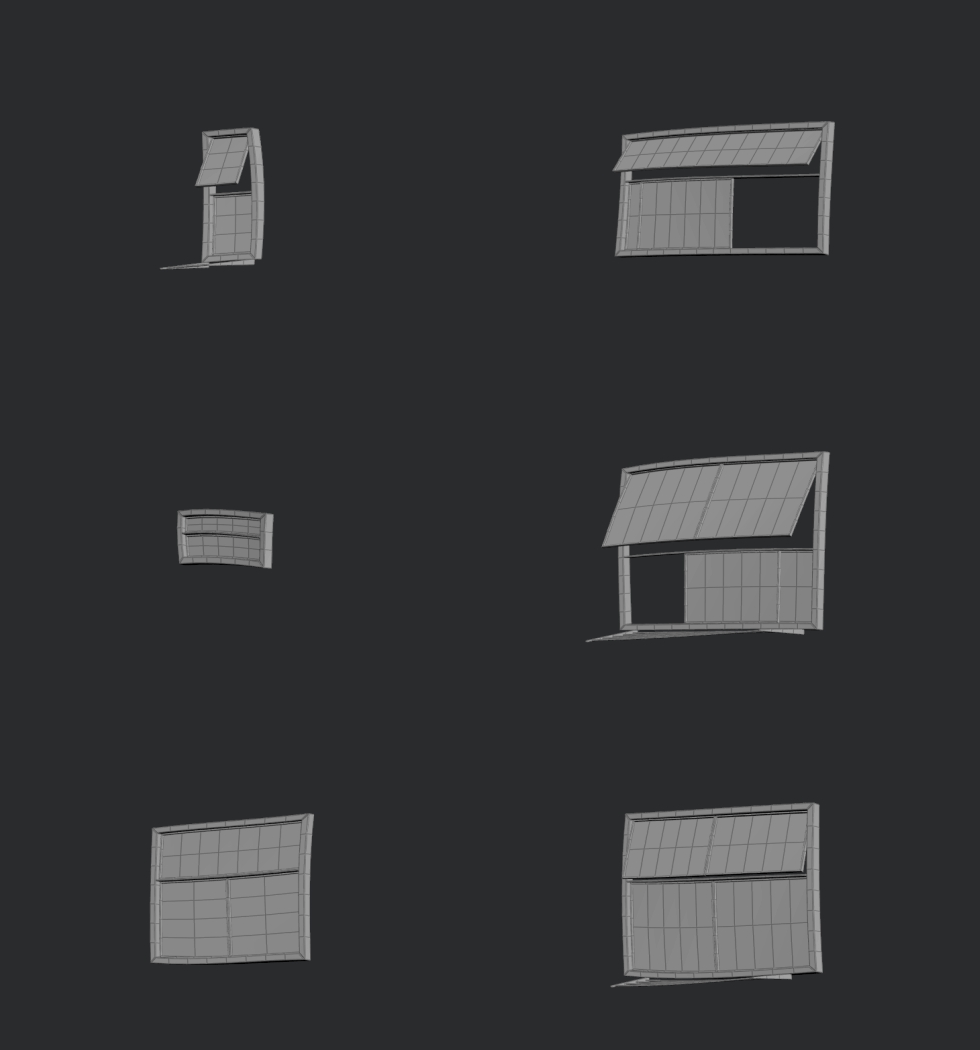
- create a couple of window variants for your "copy to points" node
- output: packed geo (window, pane, sub), lod toggle
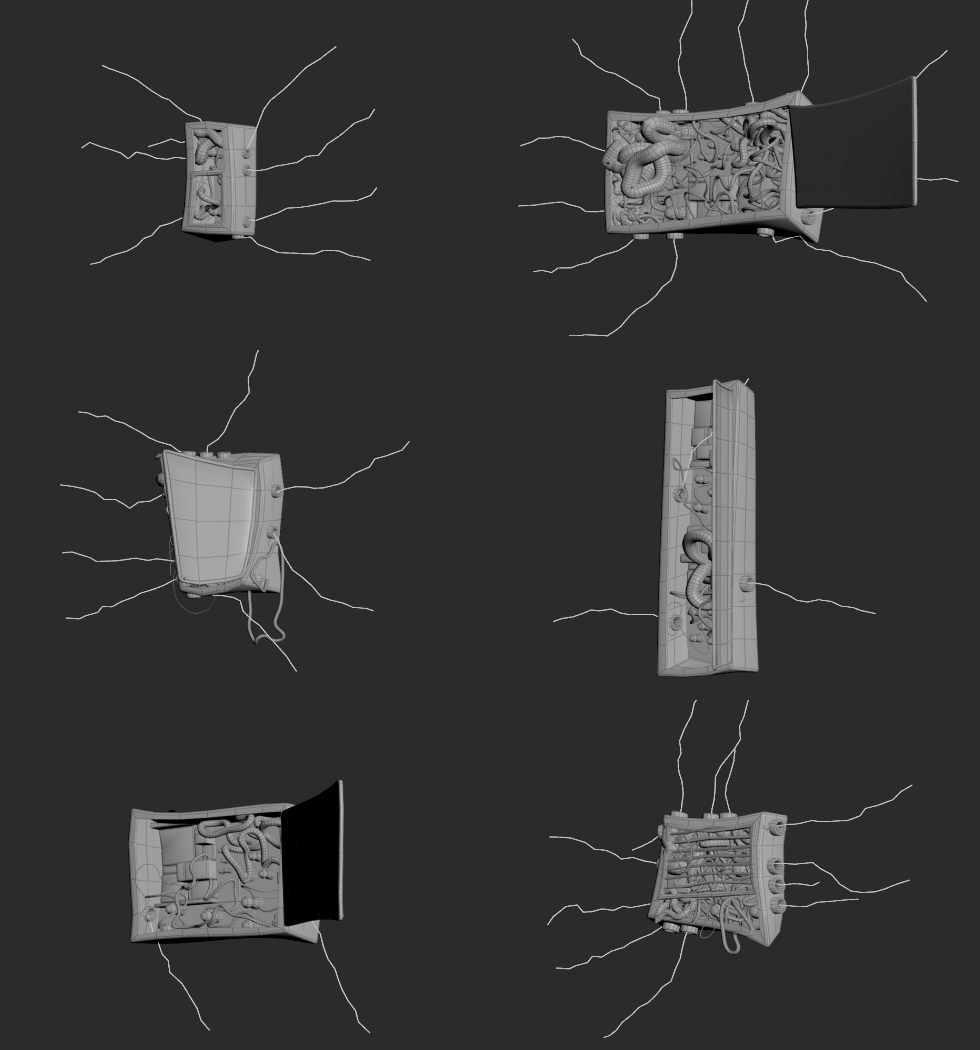
cable managment
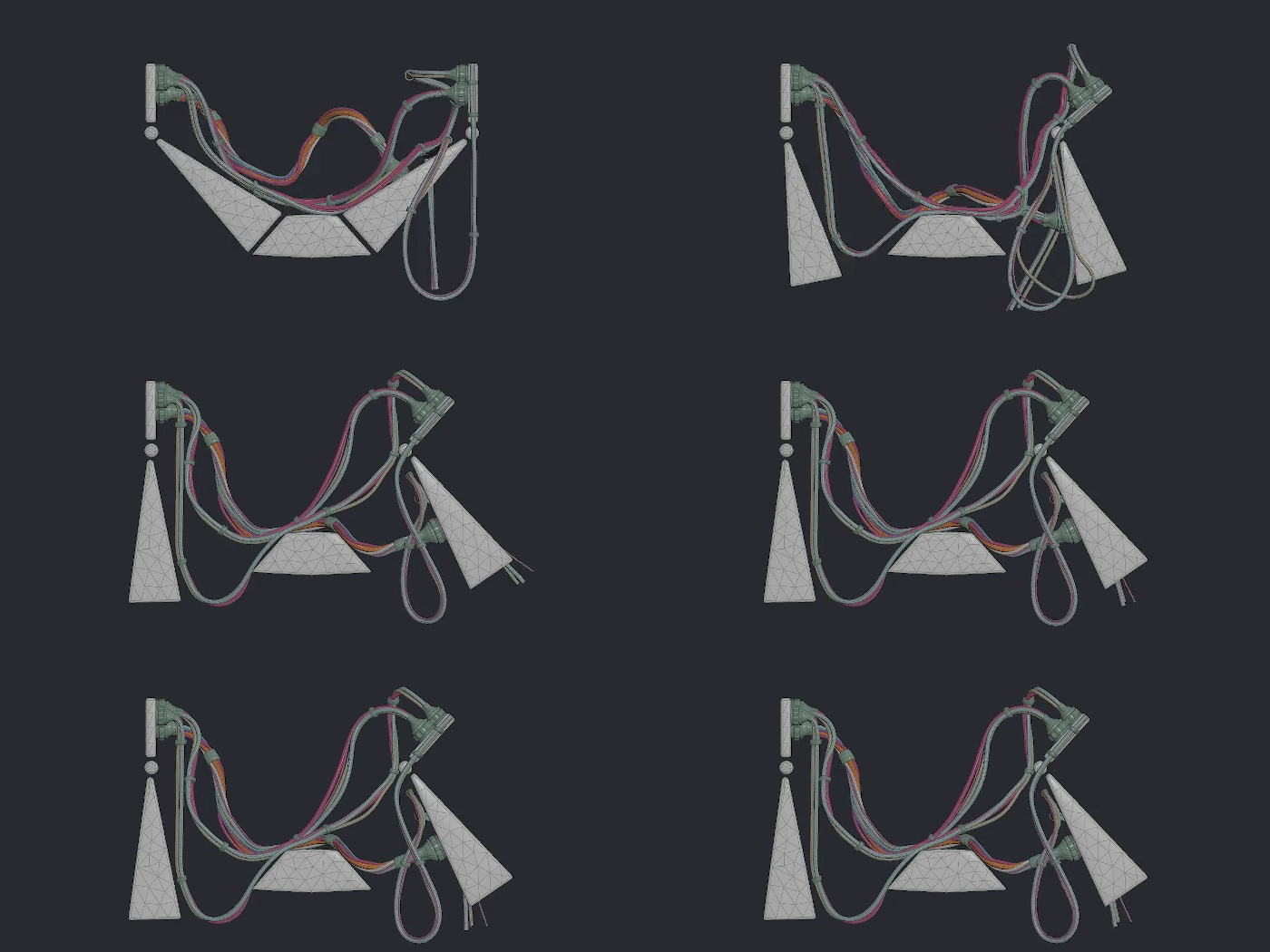
i wanted to place them in specific areas. so this tool workes from a modellers perspective where you lay them out one by one opposed to "fill this area with cables". at the time i just wanted static cables that i could place efficiently - turns out that i animated this thing, so this tool got a bit more complex.
- cable scatter: makes a cable bundle from a single curve. mark binder as "pin to animation" or "pin to cable"
- cable material: prepare for simulation, set basic material properties like stiffness and pin weights
- cable drape, solve and capture
electrical box
- min, max parms on all attribs, seed slider creates new variantes
- input for external cables feeding into the box
masking hda's
cutter tool that aligns itself to the longest edge of a poly. useful for brick walls, rooftops, upres messy topology etc. i have seen more stable nodes, but it was good enough to bricker an entire city... roughly 400 buildings.
- wear: occlusion based dirtmap
- iso: mask by normals, thickness and curvature
- pat: scratches, dot splatter, voronoi noise, lines
texture map hda
- texture file node that picks random files out of a sequence.
- randomizes the position, rotation and scale between min and max values
utility hda's
seed slider randomizes parameters between a user defined range. using this for the favela buildings - isolate walls that need a window, scatter points onto the measured poly, divide the area size by the window count, copy stamp the hda onto the points, source points control seed, max width and height parms.
- warp: domain distortion - for braking up patterns
- remap: grade node similar nuke's logic
- color: constant with metal presets, colorize the input, randomize hsv
- solo: bypass the network to isolate nodes
- pbr validate: visualize the limits of your pbr range
- layer blend: mix, multiply, screen, divide, add, minus, difference, lighten, darken, overlay, hard / soft / vivid / pin light, linear burn, color dodge, color burn
shaderball
- 2 model variations. use the path attribute for importing into lops
waypoint rop
i can't be bothered at every step to think about where stuff should be saved - which was the initial reason to have a rop with a pre defined path structure. the waypoint name and hda were initially from qlib but grew over the years into its own thing. so i re built it from scratch - removed most of the python code, cleaned it up to be more specific, rather than something that does it all. volume compression, attribute cleanup etc...
- the wedging is done in tops - the subnet is inside the hda with a pre defined top node structure.
- the path is built in a detail wrangle, so it should be pretty straight forward to change it for your needs.
- help card inlcuded